Vimput
Real Vim in any text field of your browser.
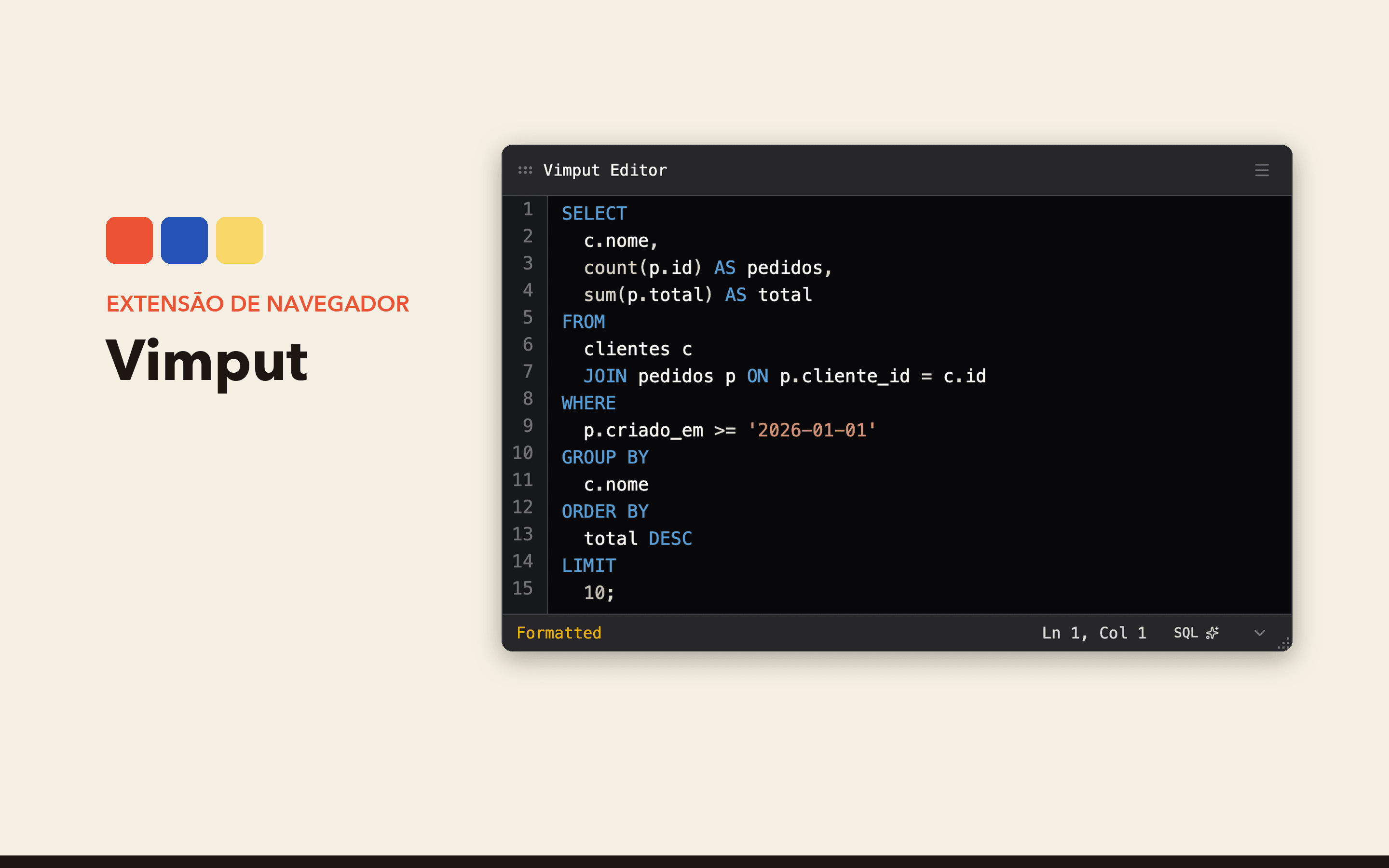
A Chrome and Firefox extension that opens any text field in a Vim editor with syntax highlighting and local formatting. It also works in Monaco and Ace.
- Client
- Personal project
- Year
- 2026
- My role
- Personal project: concept, Vim emulator, interface, integrations and store publishing.
- Platforms
- Chrome, Firefox
In action
Worth calling out
Custom Vim emulator
Modes, motions, operators and text objects written from scratch in TypeScript.
Monaco and Ace
A script in the page's context reads and writes through each editor's API.
Local formatting
`:fmt` formats SQL right away and other languages through a worker on your own machine.
Two stores, one codebase
WXT builds MV3 for Chrome and MV2 for Firefox, with automated publishing.
The problem
I write code all day in Vim, and every text field in the browser broke my flow: issue descriptions, PR comments, course exercises, the SQL editor of some tool. Each one has its own shortcuts, and none of them is Vim.
The existing extensions either changed how the whole page behaved or didn't work in embedded code editors like Monaco and Ace.
The solution
Vimput opens the field in its own editor, on top of the page. I right-click and pick "Edit with Vimput" (or turn on open-on-click), edit with Vim commands and save with :wq or Enter in normal mode. The text goes back into the original field, which gets the input and change events as if I had typed there.
The editor has syntax highlighting for 19 languages, six themes with adjustable colors, and configurable font size and indentation. The :fmt command (or <Space>cf) formats the code: SQL inside the extension itself, and other languages through an optional local worker that calls prettier, black, gofmt, rustfmt and others. The code never leaves the machine.
It works in input, textarea, contenteditable, Monaco and Ace, and it's published on the Chrome Web Store and Firefox Add-ons.
How it works
The Vim emulator is my own, in plain TypeScript, with no CodeMirror or other editor underneath. It has normal, insert, visual, visual line, command and operator-pending modes, with motions like w, e, b, gg, G, { and }, operators like dd, cw and yy, and text objects like ci( and ca".
To talk to Monaco and Ace, the content script injects a script into the page's own context (declared in web_accessible_resources, which respects the CSP) and talks to it through CustomEvent. That's how I read and write the content through each editor's API, falling back to reading the DOM when the API doesn't answer.
The modal lives inside a Shadow DOM with isolated CSS, so it neither inherits nor breaks the page's styles. The same codebase builds the MV3 version for Chrome and the MV2 version for Firefox with WXT, and a CI workflow publishes to both stores automatically.
My role
My own project, end to end: the Vim emulator, the editor integrations, the React and shadcn/ui interface, the local formatter, the release pipeline and support on both stores.
A closer look
Built with
- TypeScript
- React
- WXT
- Tailwind CSS
- shadcn/ui
- Zustand
- Prism